Data in Trees
Structuring and Navigating Files
Welcome to Stat 133 Lab
As you come in, please drop your index card from lecture on the front desk or fill out a new card using the same prompt:
On one side of your card write answers to the following questions (borrow a pen from a neighbor if needed):
- What is your lab number? (integer)
- How many years have you been at Cal? (integer)
- Are you a Statistics major? (true / false)
On the other side of the card write answers to the following questions:
- What was your “song of the summer”? (character string)
- What is the farthest that you were from Cal this summer in miles? (numeric)
Introductions
01:00
About the Course
Syllabus
05:00
Please take 5 minutes to read the syllabus and jot down at least two questions that you have.

Discussion forum: Ed

Course website
berkeley-stat133/fall-2025

Data on Trees
boardwork
Terminology
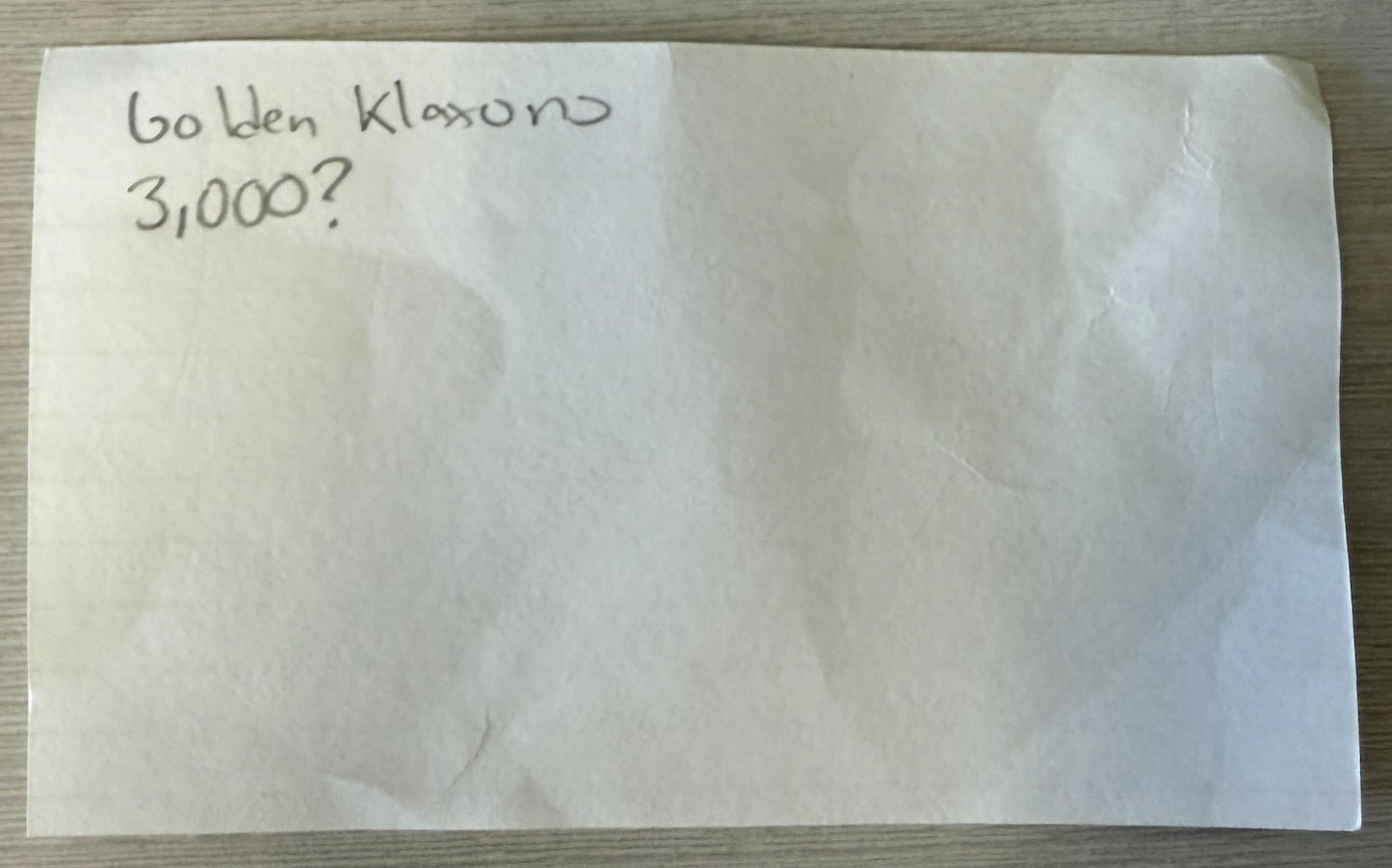
File
A named container that stores data – such as text, images, or programs – on a computer disk. The file name usually ends in an extension (.txt, .png) that indicates the format.
Example

Directory (or folder)
A named container that stores a set of files or other folders.
How should we organize our cards into directories?
Boardwork.
How can we specify the location of a file/directory in the tree?
Path
A description of a file or directory’s location in the file system, written as a sequence of folder names that leads to it, separated by /.1
Absolute path: Starts from the root of the file system, indicated by /. Example: /Documents/Schoolwork/HW1.pdf
What absolute paths are found in our tree?
Path
A description of a file or directory’s location in the file system, written as a sequence of folder names that leads to it, separated by /.
Absolute path: Starts from the root of the file system, indicated by /. Example: /Documents/Schoolwork/HW1.pdf
Relative path: Starts from the current directory and shows how to reach a target. .. means “go up one level”. Example if you’re in Documents, Schoolwork/HW1.pdf
What relative paths are found in our tree?
Practicing on a computer
UNIX1 Commands
pwd
Returns your present working directory.
ls
Lists the contents of your present working directory.
cd
Changes your directory to the path provided (after a space). Examples:
cd Homework: (relative) only takes you into theHomeworkdirectory if you’re inDocuments.cd /Document/Homework: (absolute) takes you into theHomeworkdirectory regardless of yourpwd.
cat
Prints to the screen the contents of the file at the path provided. Example: cat 127.txt.
DataHub
We will practice on a sample of our index cards on a cloud-hosted machine that has a directory containing sample of our index card files.
Login Here:
Practice
10:00